Build faster with AI — Get started with the Nium MCP Server
Manage Cards
After issuing cards to your customers, use Nium APIs to retrieve card information, update cardholder details, configure spending limits, and manage transaction restrictions. For activation status definitions and lifecycle operations, see Card Lifecycle.
Get card details
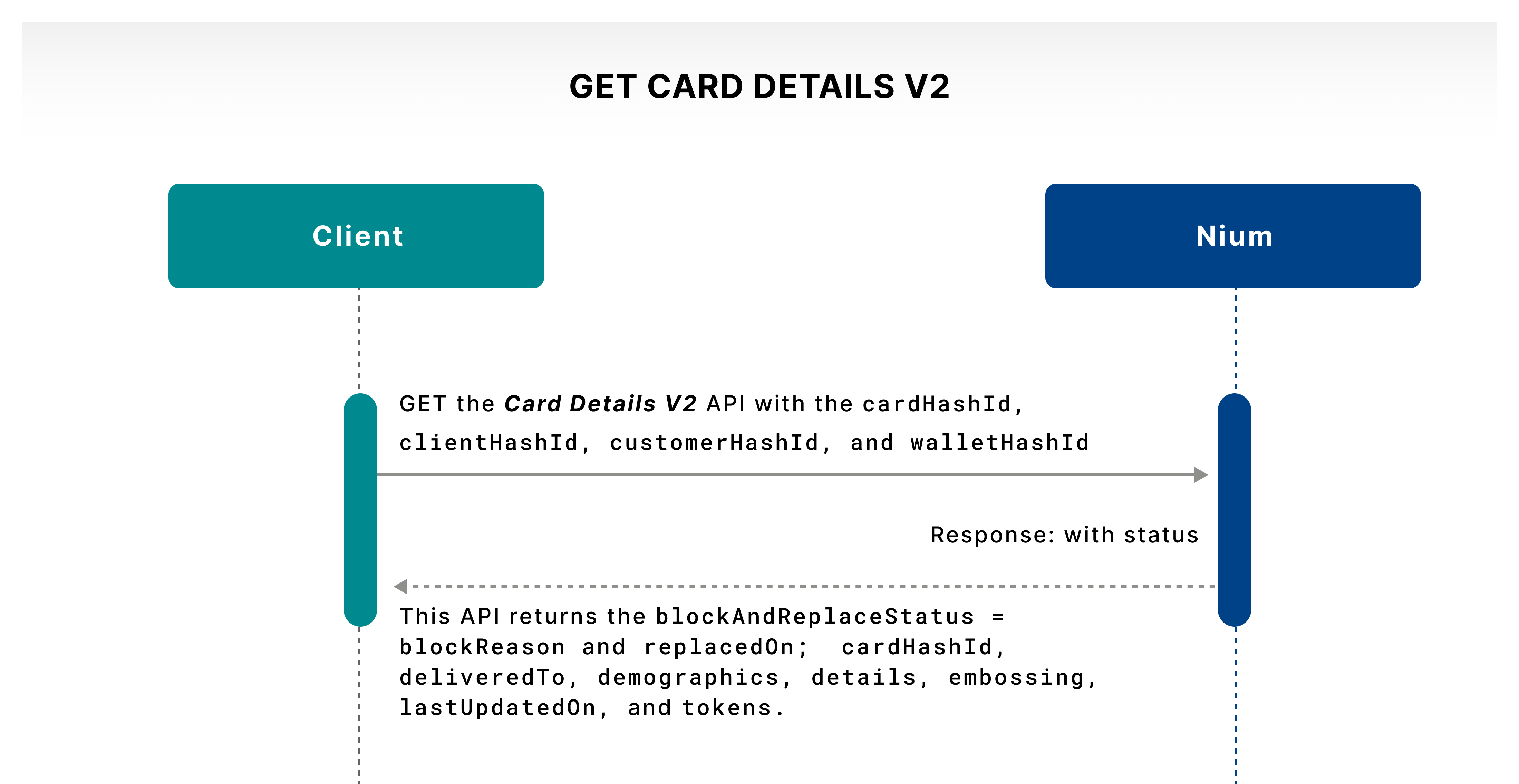
The Card Details V2 API lets you get details about a card. Call this operation to help your customer see their card details to make sure they're accurate.
Use the unique cardHashId to retrieve information such as the card activation status, cardholder details, delivery information, embossing information, and token details. Refer to Card Lifecycle for the meaning of each activation status.
Get card list
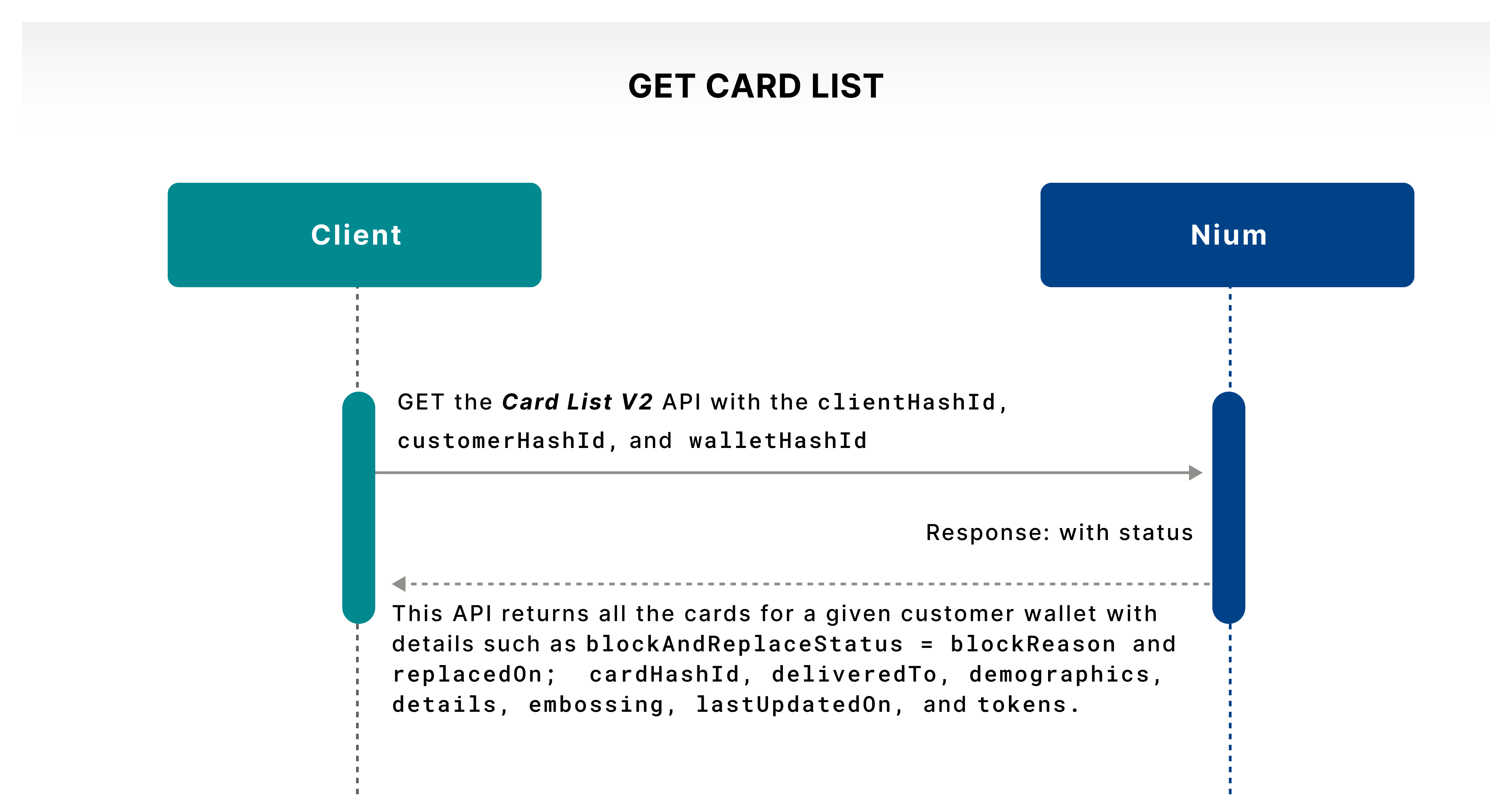
The Card List V2 API returns all the cards issued to a wallet so your customer can see them. The response can be used to populate a card list in your application. For activation status definitions, refer to Card Lifecycle.
Update card details
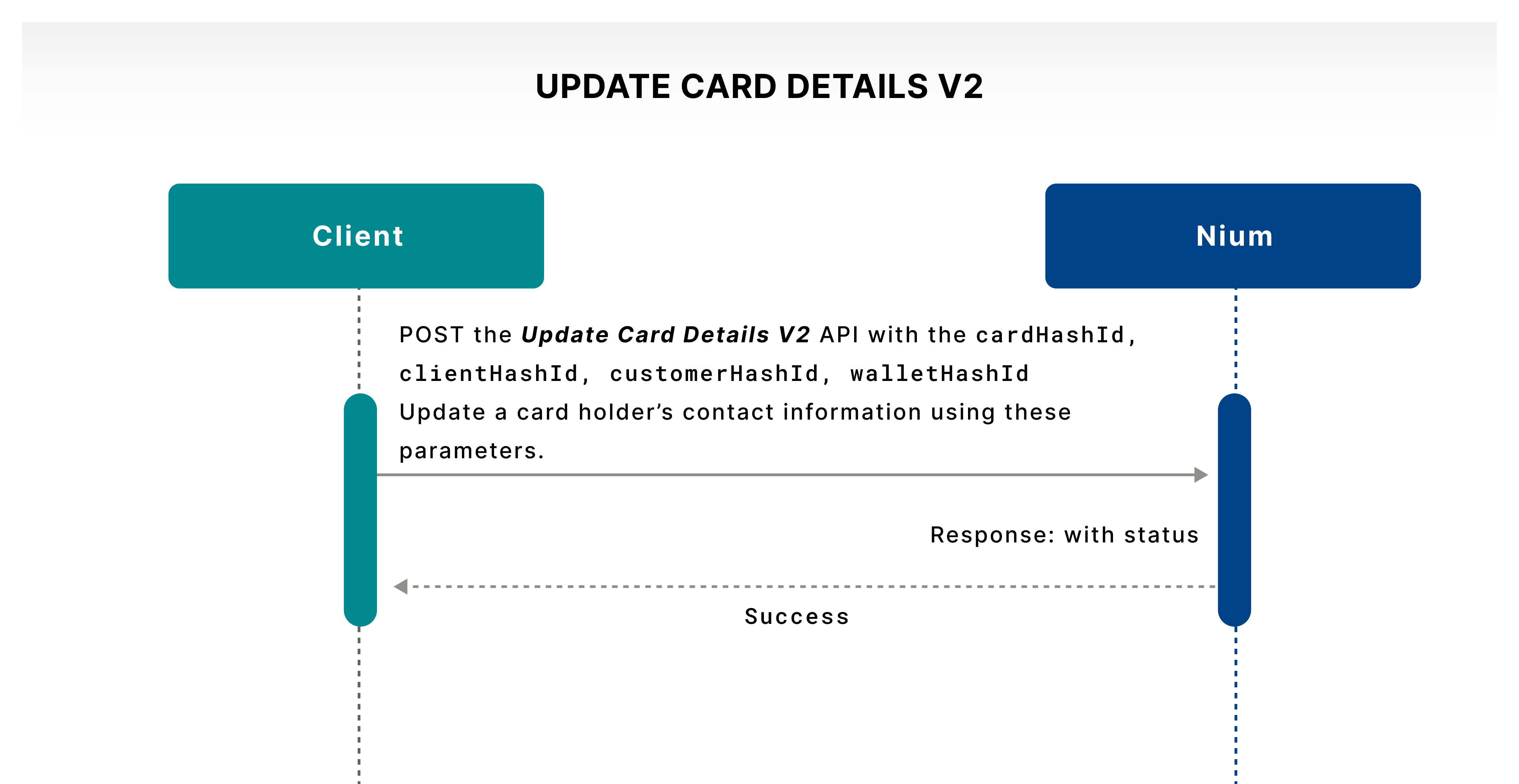
The Update Card Details V2 API lets you update your cardholder's contact information. You can let your customers change their card delivery address and contact details according to your policies. This operation captures the address for a card replacement or renewal and the contact information for 3DS and strong customer authentication (SCA) purposes.
Set card limits
You can also give cardholders the flexibility to control how much and how frequently they spend on each card that they own at Nium.
Each supported limit can be configured as active or inactive. The additionalPercentage parameter specifies an additional percentage margin above a configured limit that may be considered during authorization. It does not guarantee approval: other card, program, and authorization controls still apply.
The Card Limits API lets a cardholder set their own custom card limits using the following parameters. Program-level restrictions supersede these controls.

Get card limits
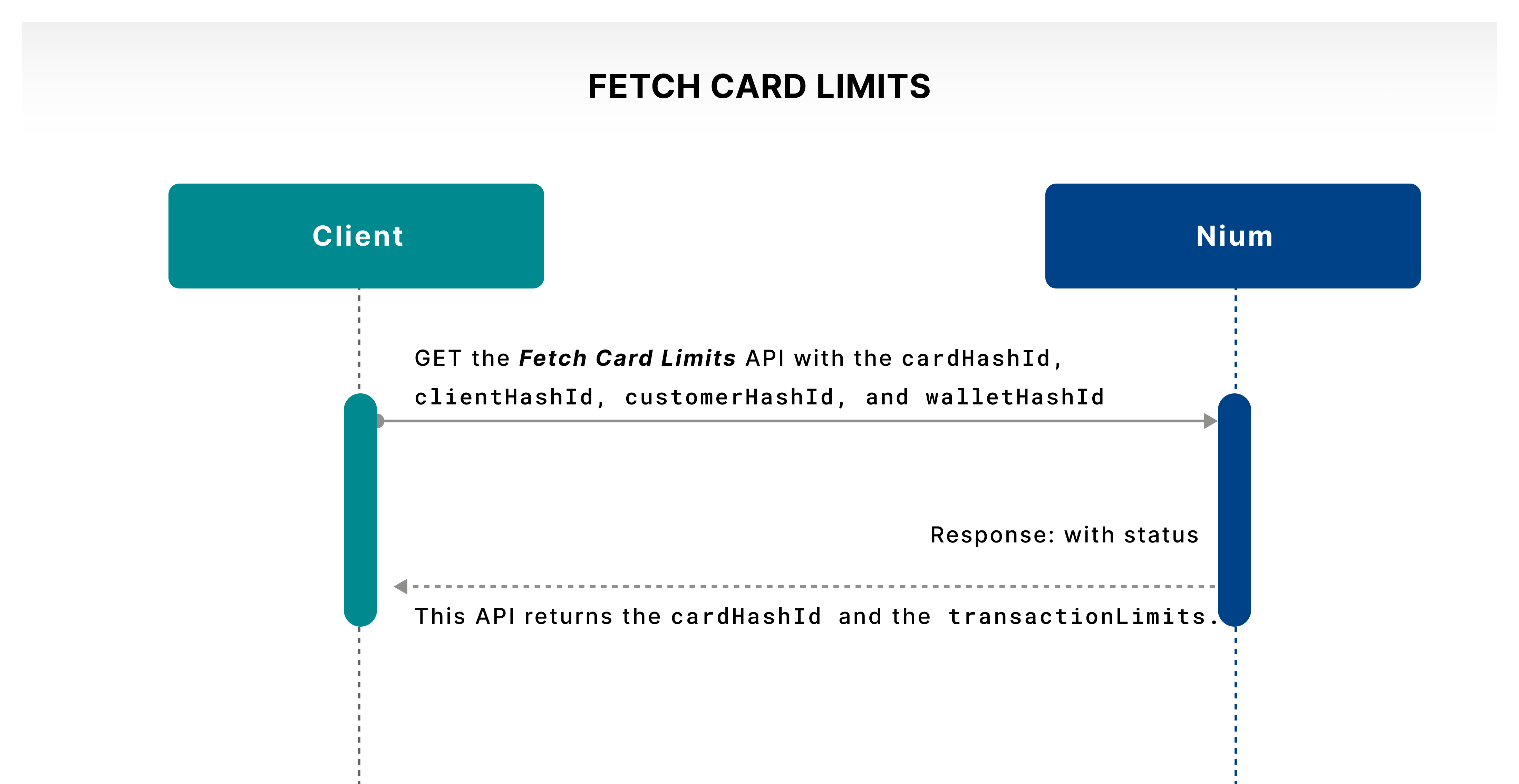
The Fetch Card Limits API lets a cardholder check the status of all the limits set.
| Card limit | Description |
|---|---|
| PER_TRANSACTION_AMOUNT_LIMIT | A per-transaction amount limit means the maximum amount you can spend during a payment transaction. Limits are set by mutual agreement between the client and the customer. n nIf a customer sets a $100 per transaction limit, all transactions over $100 are effectively declined from the time of limit setting. |
| DAILY_AMOUNT_LIMIT | A daily amount limit means the maximum amount a cardholder can make transactions on the purchase of goods or services and cash advances using the card within a day or a 24-hour period, starting at midnight. n nIf a $1,000 limit is set, and the system notes a $900 transaction until 6 p.m. local time and a $200 transaction is attempted at 7 p.m., it's declined. |
| MONTHLY_AMOUNT_LIMIT | A monthly amount limit means the maximum transaction amount that can be spent in a month. The duration is the calendar month starting at midnight. It includes the sum of debit transactions subtracted by any reversals. n nThis limit is similar to the daily amount limit. The system accounts for this cap for transactions over the entire month. |
| LIFETIME_AMOUNT_LIMIT | A lifetime amount limit means the maximum amount that can be spent, starting with the issuance of the card to the time when it's used. If a $5,000 limit is set and the system notes a $4,900 transaction in the lifetime of the card, if a $200 transaction is attempted, it's declined. |
| LIFETIME_COUNT_LIMIT | A lifetime count limit is similar to the transaction amount limit. The limit can be placed on the number of transactions during the card's lifetime. |
| TRANSACTION_DURATION_LIMIT | A transaction duration limit is set for a date range in the YYYYMMDD-YYYYMMDD format and Coordinated Universal Time (UTC)+00 time zone format. It restricts based on when the card is enabled for a transaction. |
The Card Limits API supports the following six limit types at the card level:
-
PER_TRANSACTION_AMOUNT_LIMIT -
DAILY_AMOUNT_LIMIT -
MONTHLY_AMOUNT_LIMIT -
LIFETIME_AMOUNT_LIMIT -
LIFETIME_COUNT_LIMIT -
TRANSACTION_DURATION_LIMIT
Additional limit types, such as WEEKLY_AMOUNT_LIMIT and DAILY_COUNT_LIMIT, are not currently supported at the card level.
Use a card
Your customers may need the flexibility to control their spending through your user experience. Nium APIs give you capabilities that let your customers control their card expenses.
Transaction channels
You can use your Nium-issued cards through various payment channels. Nium defines the following channels where the cardholder can restrict card usage. Refer to the Card overview guide for more information.
| Channel | Description |
|---|---|
| Cross-border | Controls cross-border transactions involving foreign-currency spending. Domestic transactions are not affected by this restriction. |
| ATM | Controls cash withdrawals at ATMs, where supported by the card program. |
| In-store | Controls card-present purchases at merchant locations. |
| Online | Controls card-not-present purchases made using card credentials, such as the PAN, expiry date, and CVV. |
| Magnetic stripe | Controls swipe transactions at a merchant's point of sale. Disabling magnetic stripe does not disable chip insertion or NFC contactless payments. |
Update a card restriction
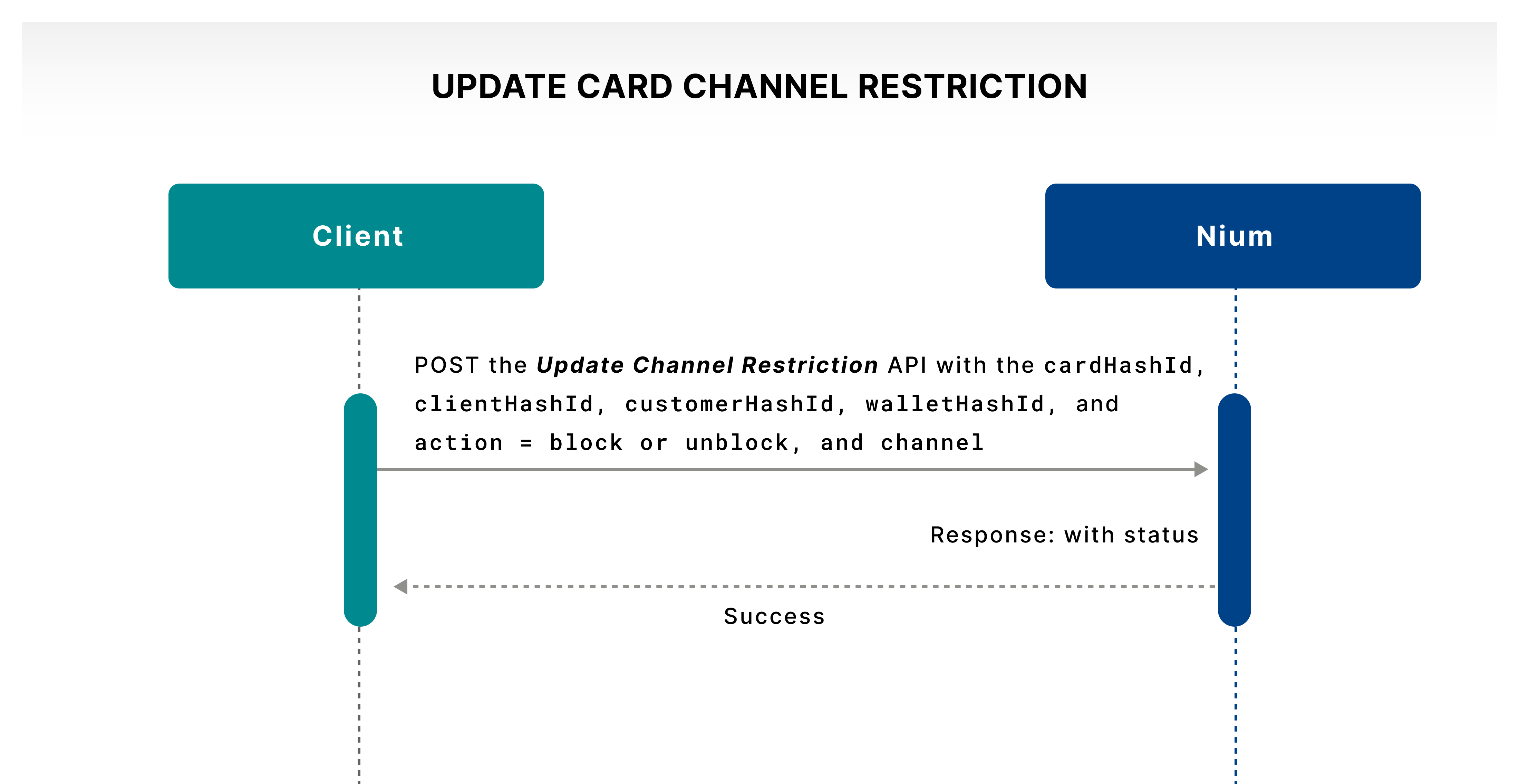
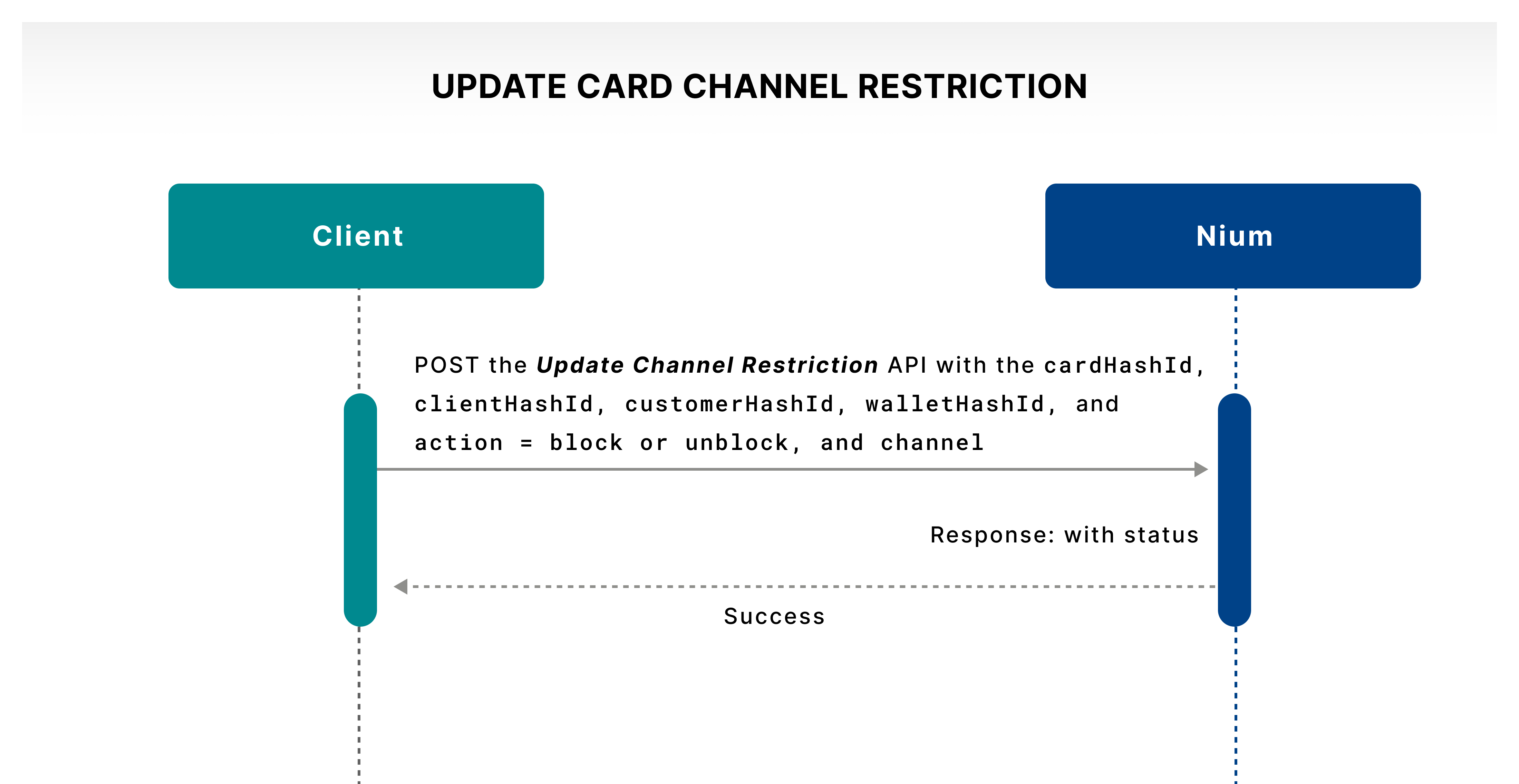
The Update Channel Restriction API lets a cardholder enable or disable, via block and unblock actions, the cross-border, ATM, in-store, online, and magnetic stripe card transaction channels.
Get a card restriction
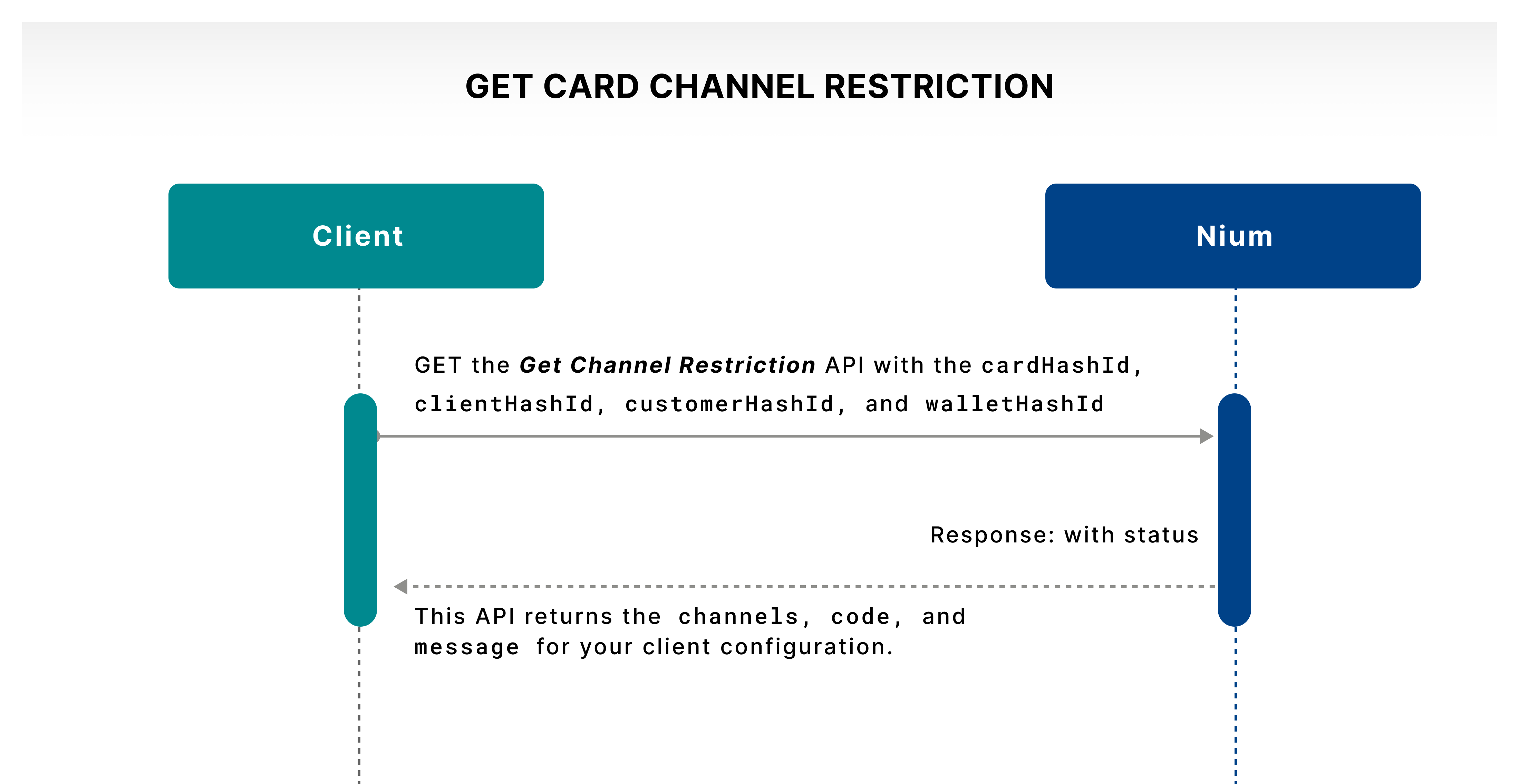
The Get Channel Restriction API lets a cardholder get the transaction channel restriction set at the card level for cross-border, ATM, in-store, online, and magnetic stripe. The cardholder can check which channel is active or inactive.
Convert a card
Use the Convert Card API to convert a virtual card into a physical card.
The following conditions apply:
-
Only active virtual cards can be converted.
-
The card's expiry date remains the same after conversion.
-
The current guide describes the converted physical card as
INACTIVE, requiring activation before in-store or ATM use. This transition requires Engineering confirmation, as earlier lifecycle documentation described virtual-to-physical behavior differently.
This capability is useful when a customer initially receives a virtual card and later requests a physical card for in-store purchases or ATM withdrawals.
Activate the physical card
Once the cardholder receives the physical card, they must activate it using the Activate Card V2 API.
The physical card cannot be used for in-store or ATM transactions until it has been successfully activated.
For activation status definitions and the activation process, refer to Card Lifecycle.
Merchant category codes
Merchant category codes (MCCs) are standard four-digit classifications for the merchants operating under the Visa® or Mastercard® network. There are hundreds of categories covering different goods or services such as lodging, food service, groceries, apparel, etc.
Your customers may want to manage their spending by enabling or disabling certain merchant categories. The following are the Nium MCC management APIs:
Update an MCC restriction
The Update MCC Channel Restrictions API lets you create MCC-based channel restrictions at the card level. Merchant categories are allowlist or denylist. Your customer can create such merchant lists which can be set to active or inactive using the API call.
Example: Status = Active and ChannelStrategy = WHITE_LIST. If the list contains commercial equipment or office supplies, the card can only transact at these merchants, while all other merchants are blocked for transactions.
Example: Status = Active and ChannelStrategy = BLACK_LIST. If the list contains airline and lodging merchants, the card can't transact at these merchants, while all other merchants are open for transactions.
Nium, as a licensed entity, needs to restrict specific merchant categories as listed by regulators. Nium also filters required merchant categories based on the card program needs. These restrictions supersede any customer-level merchant restrictions.
Get an MCC restriction
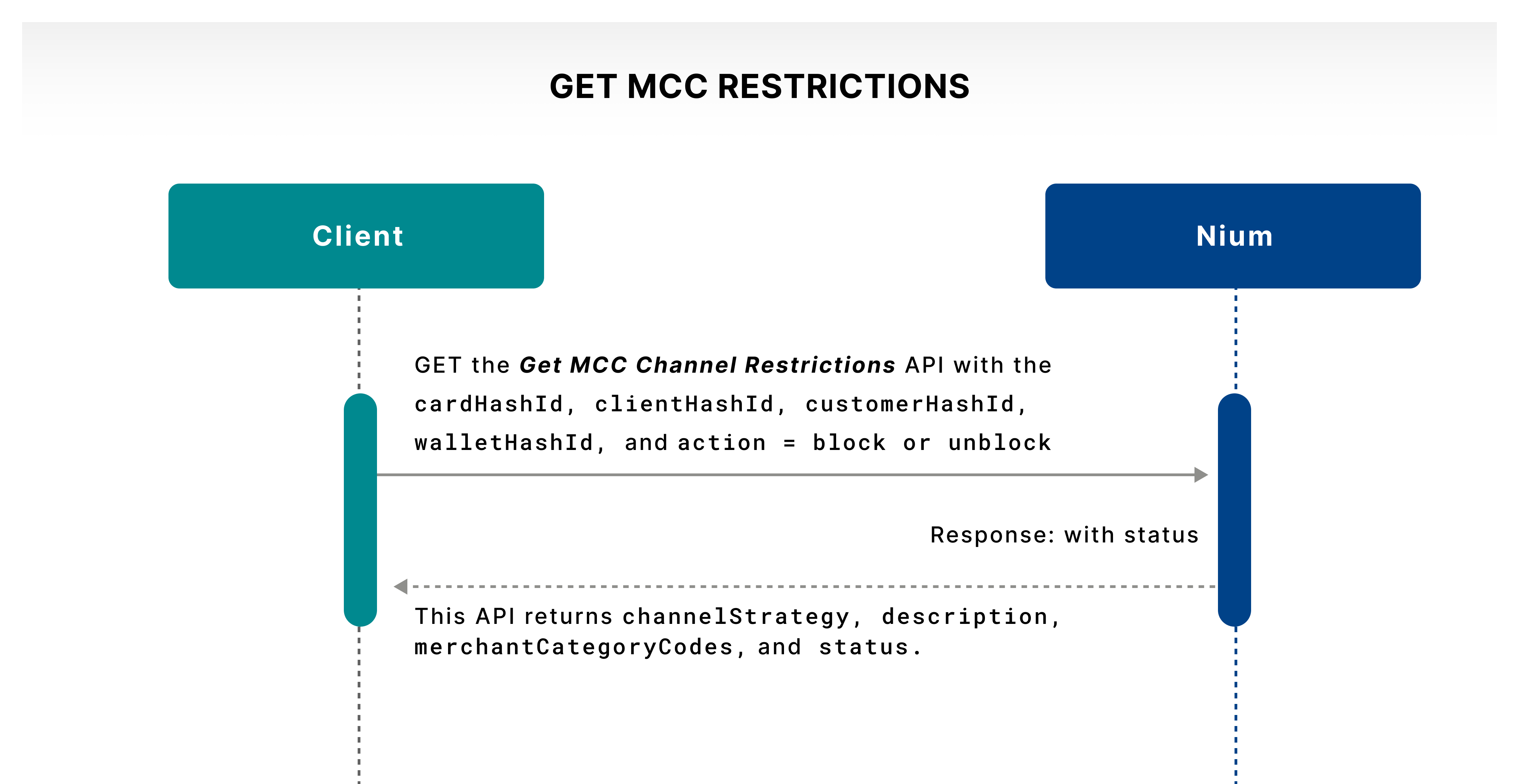
The Get MCC Channel Restrictions API lets you fetch the MCC-based channel restrictions at the card level. It lets the cardholder check the active or inactive status of the merchant list.